Clone & use WhatsApp on dual devices seamlessly with Web Scanner, download high-definition statuses & stories in 1-click, recover deleted messages, and chat directly with any number without saving contacts.
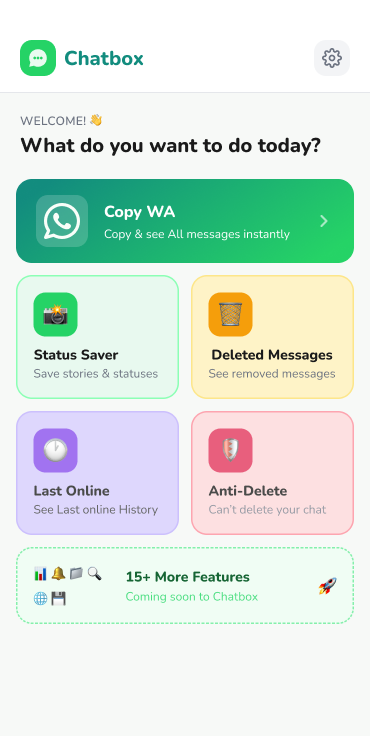
Explore the clean, intuitive interface of Chatbox. Everything you need for efficient chat management in one place.
Eliminate clunky steps and unlock advanced messaging superpowers designed for power users and everyday chatting.
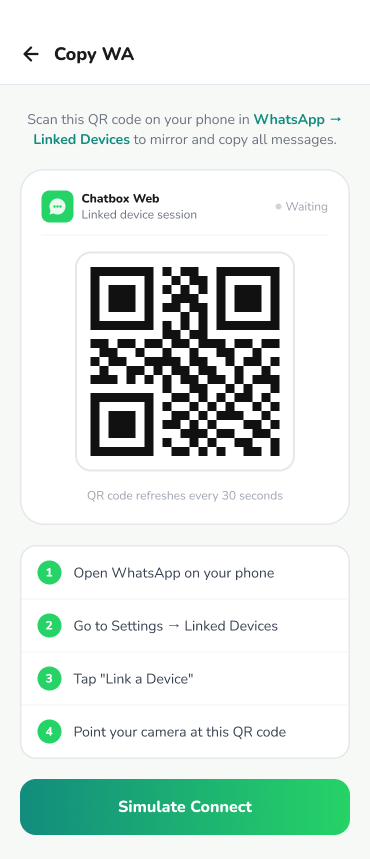
Scan a QR code within seconds to run your WhatsApp account across dual phones, tablets, or secondary devices simultaneously with real-time sync.
Try Copy WA Now
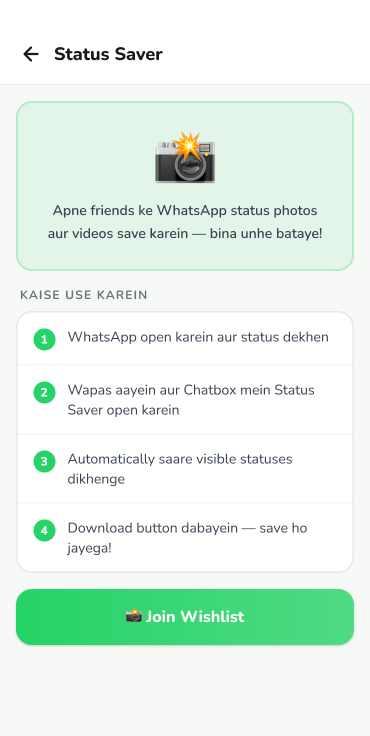
Easily download friends' WhatsApp statuses, photos, and HD video stories straight to your phone gallery before they disappear after 24 hours.
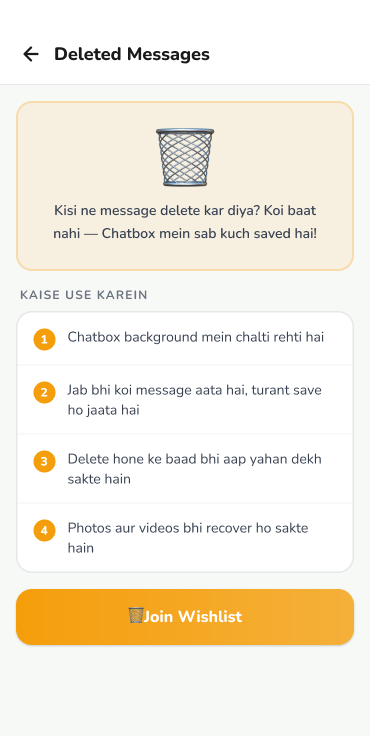
Never wonder what someone unsent. Chatbox captures incoming notifications locally so you can read deleted chat messages and media anytime.
Keep track of online activity timestamps, last seen statuses, and usage patterns with detailed visual logs and alerts.
Enter any phone number with country code and start a WhatsApp conversation immediately without cluttering your phone contacts book.
Your chats, media, and contact numbers never touch our servers. All operations happen directly on your device with maximum security and encryption.
Designed to load in under a second with low battery and RAM consumption. Upgrade to VIP for uninterrupted, lightning-fast productivity.
Get unlimited access to Copy WA scanner, instant status saving, recovered chat history, and premium 24/7 customer support.
Perfect to test all VIP features instantly.
For regular multi-device chat management.
Best value for ongoing power users.
Find answers to common questions regarding Copy WA, status downloads, and app functionality.
Copy WA utilizes standard WhatsApp Web scanning protocols. You simply open WhatsApp on your primary phone, tap Linked Devices, and scan the QR code displayed inside Chatbox to mirror your chats on another device.
With notification listener permissions enabled, Chatbox detects incoming message previews on your device. If the sender later deletes the message for everyone, you can still view what was originally received in your Chatbox history.
Yes, 100%. Chatbox processes your data entirely on your local device. We never store, read, or upload your messages, photos, or contacts to remote cloud servers.
Yes! With Direct Chat, simply select the country code, enter the phone number, type your optional message, and tap Send to open an instant conversation without creating a new contact entry.
Subscriptions can be managed directly via Google Play Store Subscriptions. For refund queries, please refer to our Refund Policy or contact our support team at tech@zarvonis.com.